In today’s world of multitasking and high productivity, external monitors have become essential tools for both professionals and casual users. Whether you’re working from home, editing videos, or simply browsing the web, a good monitor can elevate your overall computing experience. However, finding the perfect monitor that offers both good performance and an affordable price can be challenging.
What to Look for in a Budget Monitor?
When searching for an external monitor that won’t break the bank, there are several factors to consider:
- Resolution: At the very least, a Full HD (1920×1080) resolution is recommended for a sharp image, though 1440p or 4K monitors are becoming increasingly affordable.
- Panel Type: IPS panels offer the best color accuracy and viewing angles, while TN panels are cheaper but offer limited color and contrast.
- Refresh Rate: A higher refresh rate (e.g., 75Hz, 144Hz) is essential for gaming and fast-paced video, but for general use, a 60Hz display is often sufficient.
- Ports: Ensure the monitor has enough connectivity options such as HDMI, DisplayPort, USB-C, or even older VGA ports if necessary.
- Size: A 24-inch display is the sweet spot for most users. It’s big enough for multitasking but not too large to overwhelm smaller workspaces.
Now that we’ve outlined what to look for, here are some of the best budget-friendly external monitors that provide exceptional value for their price.
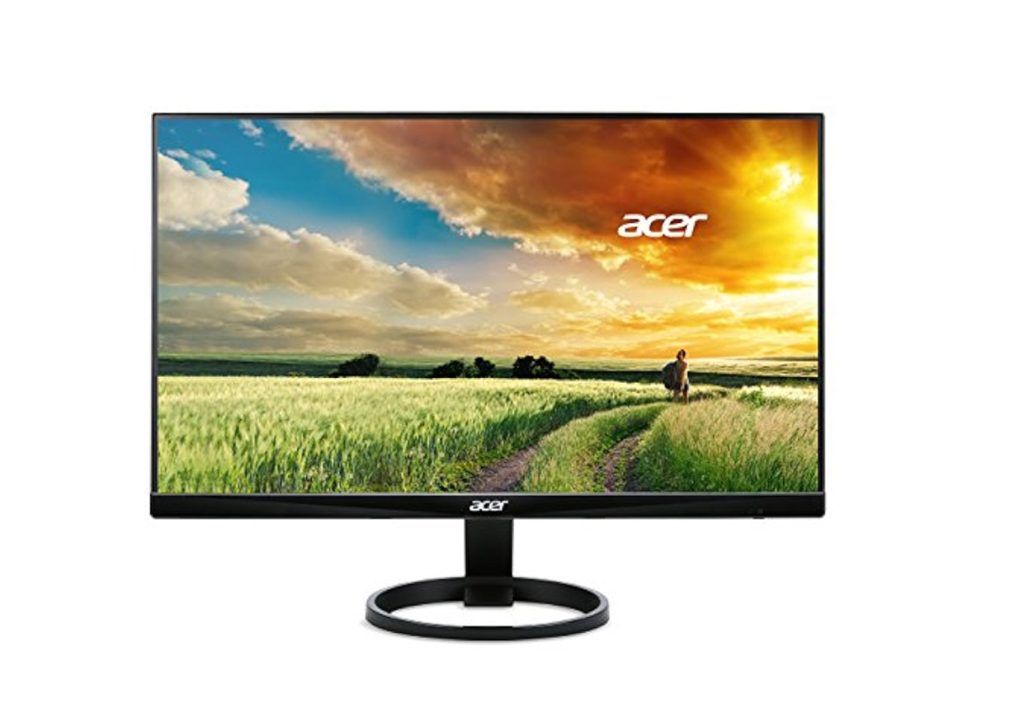
1. Acer R240HY – Best for Color Accuracy
- Screen Size: 23.8 inches
- Resolution: 1080p (Full HD)
- Panel Type: IPS
- Refresh Rate: 60Hz
- Connectivity: HDMI, DVI, VGA
Why it’s great: Acer’s R240HY is a standout in the budget monitor category, thanks to its excellent color accuracy and wide viewing angles, thanks to the IPS panel. It has a slim, bezel-less design that looks modern and sleek, making it a good choice for users who want a clean, minimalist aesthetic for their desk setup.
The monitor is perfect for office work, web browsing, and light photo editing. The 1080p resolution is more than sufficient for general tasks, while the IPS panel ensures that the colors look vibrant and accurate from any angle.
If you’re a professional or hobbyist looking to edit photos or videos without breaking the bank, this monitor is a solid choice for its accurate color reproduction at an affordable price.
2. BenQ GW2480 – Best for Eye Comfort
- Screen Size: 23.8 inches
- Resolution: 1080p (Full HD)
- Panel Type: IPS
- Refresh Rate: 60Hz
- Connectivity: HDMI, DisplayPort, VGA
Why it’s great: BenQ’s GW2480 is designed with eye comfort in mind, which makes it ideal for long hours of use. It features an eye-care technology that reduces blue light and flicker, helping to alleviate eye strain. This makes it a great choice for students, professionals, and anyone who spends long hours at a computer.
It also has a modern, slim bezel and offers decent color accuracy, making it a solid all-around performer for office work, media consumption, and light gaming. The 1080p resolution is perfect for most tasks, and the IPS panel ensures vibrant colors and wide viewing angles.
The best part? You can find this model at an affordable price, making it a great option for those who want a reliable, budget-friendly display that’s easy on the eyes.
3. Samsung LC24F390FHNXZA – Best Curved Monitor
- Screen Size: 24 inches
- Resolution: 1080p (Full HD)
- Panel Type: VA
- Refresh Rate: 60Hz
- Connectivity: HDMI, VGA
Why it’s great: Curved monitors are becoming more popular due to their immersive feel, and the Samsung LC24F390 offers an excellent introduction to this category at an affordable price. With a gentle 1800R curve, the screen is designed to improve your field of view, providing a more immersive experience whether you’re gaming or working.
The VA panel offers good contrast and deep blacks, which makes it great for watching movies or playing games in darker environments. While the color accuracy and viewing angles aren’t as good as an IPS panel, the curved design and price make this a fantastic option for users on a budget who want a more immersive viewing experience.
It’s a solid choice for casual gaming and everyday work tasks, but it might not be the best choice for professional photo editing or content creation due to the limitations of the VA panel.
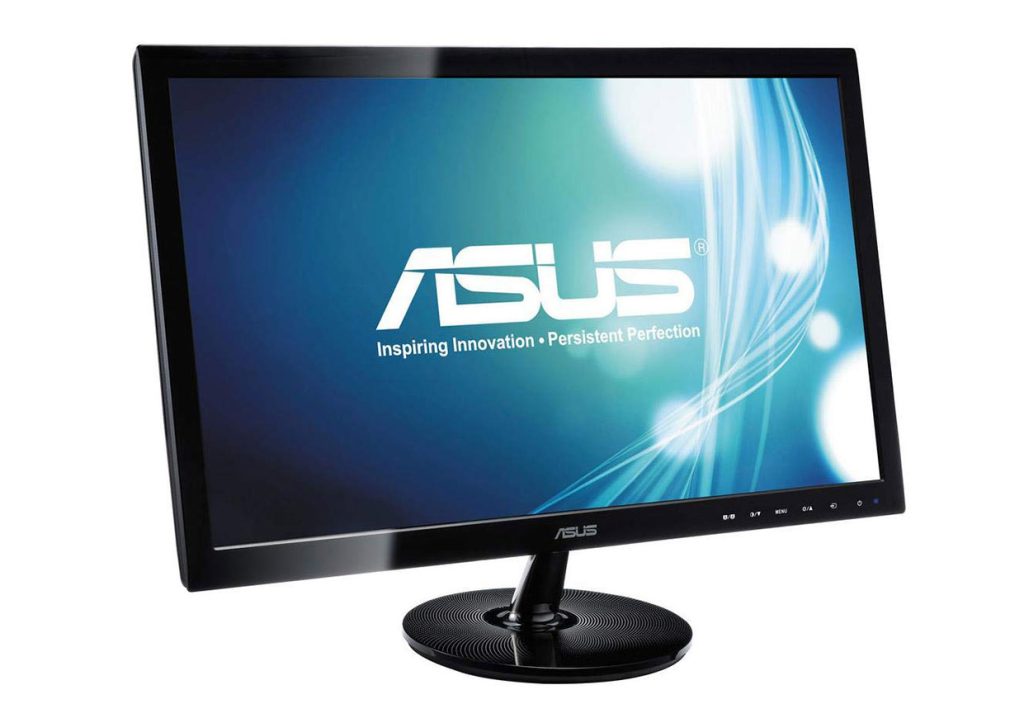
4. ASUS VS248H-P – Best for Budget Gaming
- Screen Size: 24 inches
- Resolution: 1080p (Full HD)
- Panel Type: TN
- Refresh Rate: 75Hz
- Connectivity: HDMI, DVI, VGA
Why it’s great: For gamers on a tight budget, the ASUS VS248H-P is one of the best options available. Although it uses a TN panel (which typically offers poorer color reproduction and viewing angles compared to IPS), it compensates with a higher refresh rate of 75Hz, which provides smoother gameplay compared to the standard 60Hz.
The 1080p resolution is standard for most games, and the faster refresh rate makes this monitor great for fast-paced action games. The overall design is simple, with slim bezels that make it suitable for multi-monitor setups. The monitor is also very affordable, making it a great choice for gamers who don’t want to spend a fortune on a display but still want a good gaming experience.
If you’re into competitive gaming and want to ensure smooth performance without breaking the bank, the ASUS VS248H-P will not disappoint.
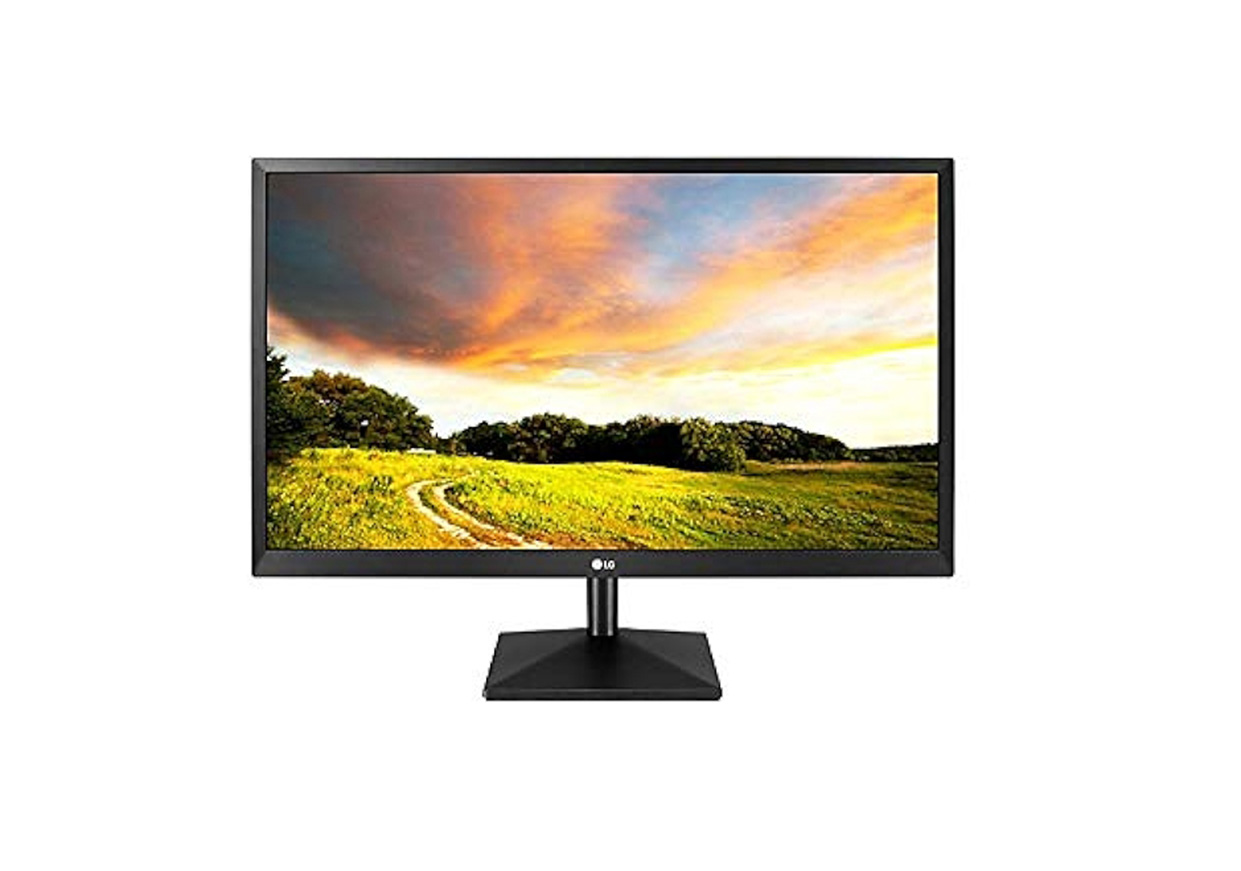
5. LG 27MK400H-B – Best Budget 27-Inch Monitor
- Screen Size: 27 inches
- Resolution: 1080p (Full HD)
- Panel Type: TN
- Refresh Rate: 75Hz
- Connectivity: HDMI, VGA
Why it’s great: If you want a larger screen without breaking your budget, the LG 27MK400H-B is an excellent option. At 27 inches, it provides more screen real estate for multitasking, gaming, or watching movies. The 1080p resolution on this size monitor still looks sharp for most everyday tasks, and the 75Hz refresh rate ensures smooth motion for light gaming.
While the TN panel doesn’t offer the best color accuracy or viewing angles, this monitor is still a good option for users looking for a bigger display on a budget. The monitor’s build is solid, and it has a simple, no-frills design that can fit into any workspace.
6. Dell P Series P2419H – Best for Office Work
- Screen Size: 24 inches
- Resolution: 1080p (Full HD)
- Panel Type: IPS
- Refresh Rate: 60Hz
- Connectivity: HDMI, DisplayPort, VGA
Why it’s great: Dell’s P2419H offers excellent value for professionals who need a reliable monitor for office tasks. Its 24-inch IPS panel delivers great color accuracy, and the slim bezels make it an attractive addition to any workspace. The stand is ergonomic, with height, tilt, swivel, and pivot adjustments, which is a big plus for people who work long hours and need a flexible, comfortable setup.
Although the monitor only offers a 60Hz refresh rate, which may not be ideal for fast-paced gaming, it is more than enough for office productivity tasks, such as document editing, spreadsheets, and browsing.
This is a great budget-friendly option for anyone looking for a reliable monitor for daily office work or general use.
When shopping for a budget-friendly external monitor, it’s essential to focus on your needs. Whether you’re a gamer, a professional, or someone who just needs a monitor for general tasks, there are plenty of options available that offer great performance without breaking the bank.
For the best value, it’s important to find a monitor that balances features such as resolution, panel type, refresh rate, and size, all while staying within your budget. The monitors listed above provide excellent value and are some of the top choices on the market today.
No matter which monitor you choose, you’re sure to enjoy an enhanced experience whether you’re working, gaming, or simply enjoying media.