With the rise of remote work, more and more people are realizing the importance of office accessories for both work efficiency and health. Without the right accessories, long hours in front of a computer can lead to eye strain, wrist pain, neck stiffness, and other issues that hinder both productivity and comfort. Therefore, choosing the right accessories can not only improve productivity but also make your daily work life much easier. In this article, we’ll recommend six essential computer accessories to enhance your work experience.
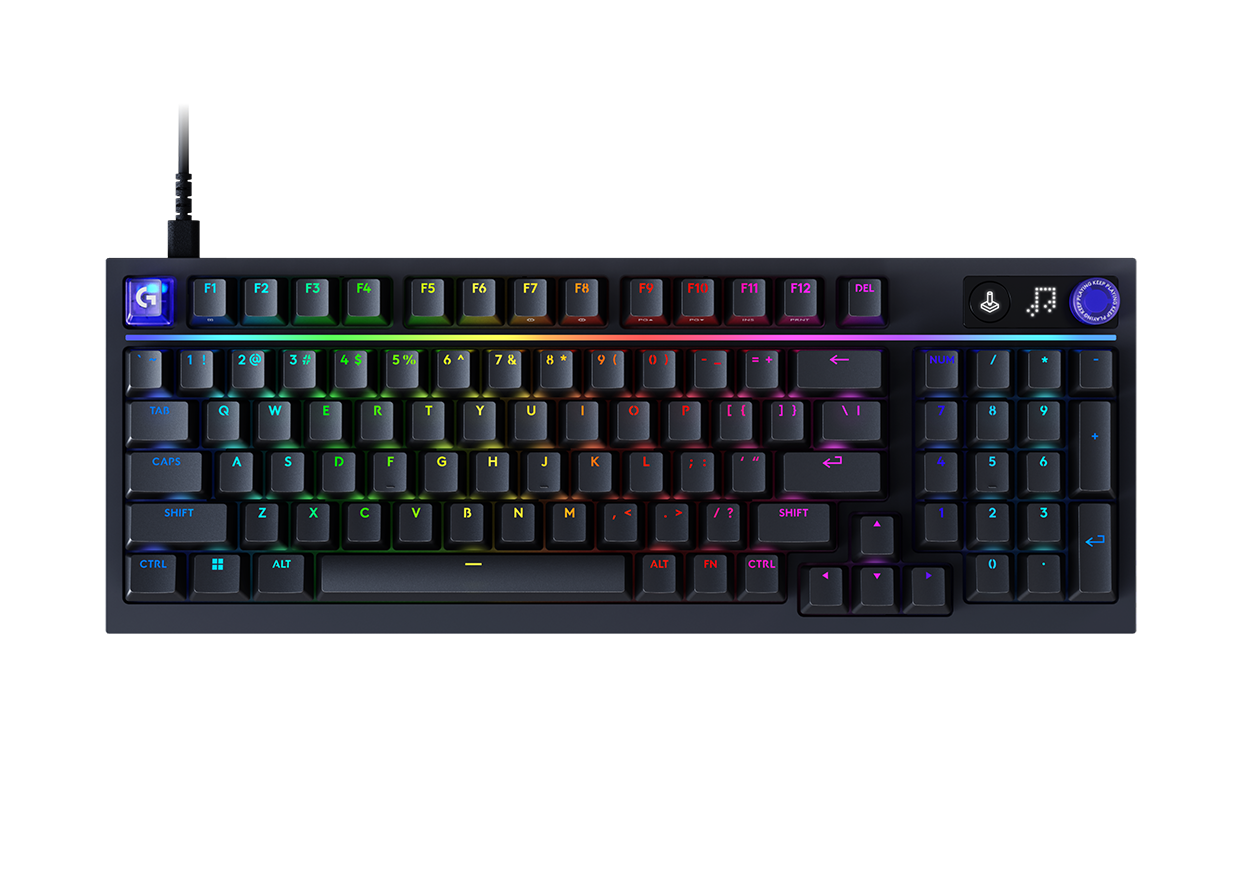
1. Efficient Mechanical Keyboards: Say Goodbye to Low Efficiency and Discomfort with Regular Keyboards
If you’re using a traditional membrane keyboard, you might find that each keystroke lacks a clear tactile response, the rebound feels weak, and after long typing sessions, your fingers get fatigued. Additionally, the short key travel and delayed response can slow your typing speed and lower accuracy, affecting work efficiency.
Mechanical keyboards, with individual mechanical switches for each key, offer clear tactile feedback, improving typing speed and accuracy. The “click” and “actuation” feel help enhance typing performance. Moreover, mechanical keyboards are often designed with ergonomics in mind, reducing finger fatigue, making them ideal for long typing sessions.
Key Features:
- Precise Feedback: Each keystroke provides clear tactile feedback, improving typing accuracy.
- Comfortable Experience: Long hours of typing without finger fatigue.
- Durability: Mechanical structure makes it more durable, ideal for frequent use.
Recommended Brands:
- Logitech: Known for its high-quality keyboards, especially the MX and G series. Their mechanical keyboards offer ergonomic design, comfortable key travel, and clear typing feedback, making them perfect for extended use.
- Keychron: Famous for their high-cost performance, stylish designs, and multi-platform compatibility (Windows, Mac, Android). The keyboards are well-regarded for their smooth key feel and support both wired and wireless connections.
2. Ergonomic Mice: Reduce Hand Pressure and Prevent “Mouse Hand”
You may frequently experience wrist or forearm pain, especially after long sessions using a standard mouse. Regular mice don’t follow ergonomic principles, forcing the wrist into unnatural angles, which can lead to “mouse hand” or carpal tunnel syndrome. In environments where you need to frequently click or scroll, this pressure can accumulate, putting a strain on the hand and shoulders.
Ergonomic mice are designed to follow the natural curves of your hand, reducing wrist and forearm strain. Most ergonomic mice feature vertical or slanted designs that allow the wrist to stay in a more natural position, minimizing excessive bending and discomfort, particularly during extended use.
Key Features:
- Natural Grip: Follows the natural curves of the hand, reducing wrist strain.
- Reduced Fatigue: Less stress on the hands and wrists during long usage.
- Prevents “Mouse Hand”: Ideal for those who need to use the mouse frequently, reducing health risks.
Recommended Brands:
- Logitech: The MX Master series is widely praised for its ergonomic design, which reduces wrist and forearm pressure. Its adjustable design and precise sensor make extended use more comfortable.
- Anker: Anker’s wireless ergonomic mice are popular for their affordable price and comfortable design. The vertical design is especially effective for reducing wrist strain, making them great for people working long hours.
3. Ultra-High Definition Monitors: Avoid Blurry Screens and Reduce Eye Strain
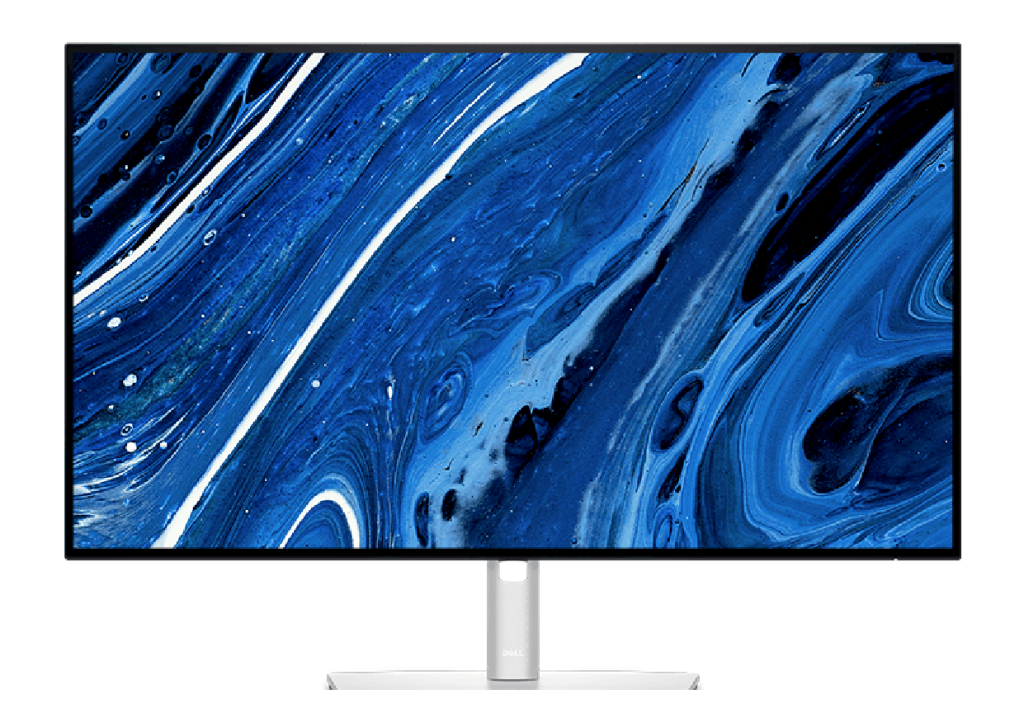
If you’ve been using a low-resolution monitor, long hours spent staring at blurry text and images can lead to eye dryness, fatigue, and even vision problems. When handling large amounts of text, images, or spreadsheets, the blurry display forces you to squint, increasing eye strain. Over time, this can impact your eye health.
An ultra-high-definition monitor offers higher resolution and clearer visuals, making text and images sharper. This can significantly reduce eye strain and enhance visual experience, especially when using the computer for long periods. Higher resolution and wider color gamut help you work more efficiently, particularly when working with design, video editing, or tasks that require detailed visuals.
Key Features:
- Clearer Images: High resolution provides sharp text and images, reducing eye strain.
- Wider Color Gamut: Provides accurate color reproduction, ideal for graphic design, video editing, etc.
- Eye Comfort: Reduces visual fatigue during extended screen time.
Recommended Brands:
- Dell: The UltraSharp series from Dell provides excellent color accuracy and clarity, making them perfect for people who work long hours in front of screens. Their monitors also incorporate ergonomic designs.
- BenQ: BenQ’s PD and EX series monitors are exceptional in color accuracy and comfort. They are especially ideal for designers, video editors, and gamers, offering excellent picture quality and eye care features.
4. Wireless Charging Pads: Eliminate Cable Clutter and Simplify Charging
Charging often requires you to fumble with plugging and unplugging cables, disrupting your workflow. Cable clutter makes your desk look messy and untidy, especially when you need to charge multiple devices at once. The process of inserting charging cables wastes time and adds unnecessary hassle.
Wireless charging pads simplify the charging process by allowing you to place your device on the pad for automatic charging, eliminating the need to plug and unplug cables. They not only help keep your desk neat and organized but also increase work efficiency by reducing the time spent fiddling with cables.
Key Features:
- Simplified Charging Process: Just place your device on the charging pad to start charging—no need to plug in cables.
- Neat Desk: Wireless charging reduces cable clutter, making your workspace cleaner.
- Multi-device Compatibility: Supports multiple devices for wireless charging, ideal for smartphones, wireless earbuds, and more.
Recommended Brands:
- Anker: Anker’s wireless chargers are widely praised for their efficient charging speed and stability. Their sleek design supports simultaneous charging for multiple devices and is highly affordable.
- Belkin: Belkin is one of the leading brands in the wireless charging space, known for fast charging speeds, simple designs, and strong compatibility.
5. Smart Speakers: Enhance the Work Atmosphere, Boost Focus and Inspiration
Working in a quiet or chaotic environment can leave you distracted or uninspired. If you want to play background music or quickly look up information while working, relying on manual controls can disrupt your flow and be inefficient.
Smart speakers not only offer high-quality sound for background music, but they also provide voice control to help you manage tasks, check information, set reminders, and more. Their voice assistant capabilities increase work efficiency, while also creating a lively and focused work environment. In environments where long hours of work are required, smart speakers are incredibly useful assistants.
Key Features:
- High-Quality Sound: Plays background music to improve the work atmosphere and boost creativity.
- Voice Assistant: Control tasks via voice commands, avoiding workflow interruptions.
- Multifunctionality: In addition to playing music, smart speakers control smart devices and fetch information.
Recommended Brands:
- Amazon Echo: Amazon’s Echo series not only offers excellent sound quality but also integrates with Alexa to help manage tasks, play music, and control smart devices. Perfect for office environments requiring a voice assistant.
- Sonos: Sonos is renowned for high-fidelity sound systems. Their speakers are stylish, with clear, high-quality audio, making them ideal for enhancing the work environment during long office hours.
6. Computer Stands: Improve Posture and Reduce Physical Discomfort
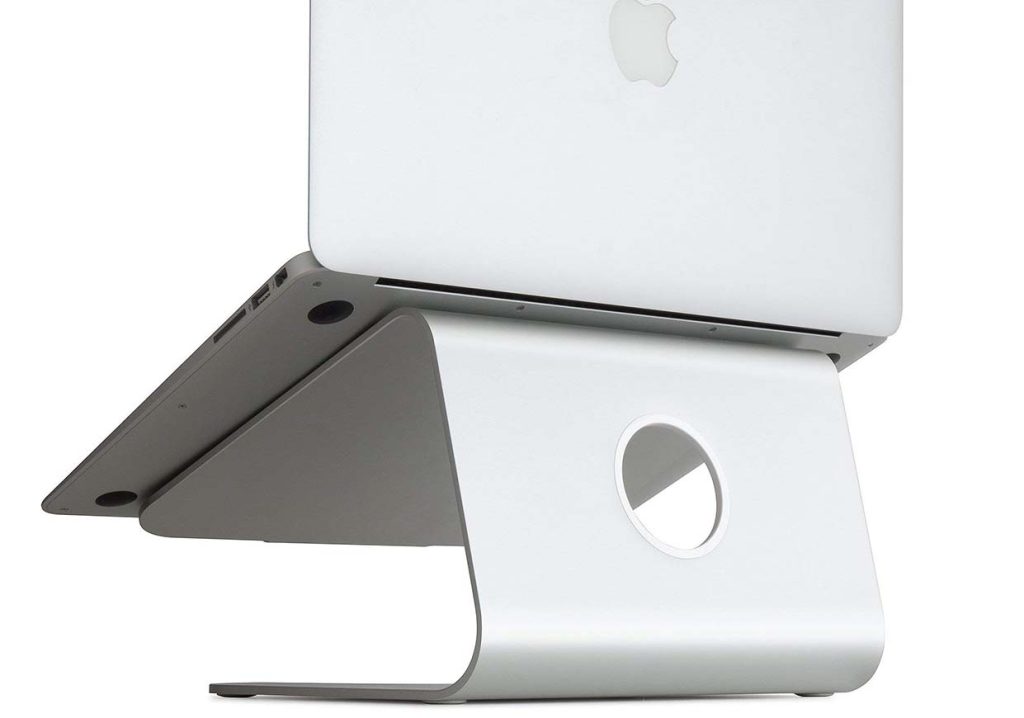
Working with your head down for long periods can lead to neck and shoulder fatigue, which may eventually result in neck pain and other issues. You may find yourself feeling stiff in your neck, sore in your shoulders, or even experiencing back discomfort after working all day.
A computer stand helps elevate your laptop or monitor to the right height, improving your posture and avoiding neck strain. By raising the screen to eye level, it reduces the need to look down for extended periods, which minimizes health risks from poor posture. Proper posture also helps you stay focused and efficient throughout your tasks.
Key Features:
- Height Adjustment: Helps keep your screen at eye level, reducing neck strain.
- Improved Posture: Reduces the impact of long hours spent looking down, preventing shoulder and spine problems.
- Enhanced Comfort: Better posture translates to increased comfort during work.
Recommended Brands:
- Rain Design: The mStand from Rain Design is a popular laptop stand made from durable aluminum. It raises the screen to an optimal height, improving posture and comfort.
- Ergotron: Ergotron offers a variety of ergonomic desktop stands, with flexible adjustments suitable for both desktop computers and laptops, effectively reducing neck and back strain.
By carefully selecting and using these computer accessories, you can not only boost your work efficiency but also greatly improve comfort during long hours in front of your computer. Whether it’s a mechanical keyboard for efficient typing, an ergonomic mouse for wrist support, or an ultra-clear monitor for visual comfort, these accessories make a significant difference.