In today’s digital age, creating a smart office space has become essential for enhancing productivity, improving work-life balance, and embracing modern technology to streamline tasks. Whether you’re working from home, running a startup, or part of a large organization, integrating electronic devices into your office setup can elevate your working experience.
From intelligent lighting to ergonomic gadgets, a smart office space is all about leveraging technology to create an efficient and comfortable environment.
1. Smart Lighting Solutions
One of the simplest yet most effective ways to enhance your office is by installing smart lighting. Traditional lighting can be harsh and uncomfortable, leading to eye strain and fatigue. With smart lighting solutions, you can adjust the brightness, color temperature, and even set schedules for your lighting system to match your workflow.
Recommended Devices:
- Philips Hue Smart Bulbs: These bulbs allow you to control the light color and intensity through an app. You can set a warm tone in the morning and a cooler tone in the afternoon for better focus.
- LIFX Smart Light Strips: For customizable accent lighting, these smart light strips can add color to your office, creating a pleasant and energy-efficient workspace.
2. Smart Desk with Adjustable Height
Sitting for long hours can take a toll on your health, leading to back pain and poor posture. A smart adjustable desk can combat this problem. These desks can be raised or lowered with just a touch of a button, giving you the flexibility to switch between sitting and standing positions throughout the day.
Recommended Devices:
- Fully Jarvis Standing Desk: Known for its solid build and quiet motorized height adjustment, this desk can help you customize your workspace based on your needs.
- Uplift V2 Standing Desk: With programmable height presets, this desk lets you switch between sitting and standing with ease, improving both posture and energy levels.
3. Noise-Canceling Headphones
Whether you’re working from home or in a busy office, constant noise can be a major distraction. Noise-canceling headphones provide a solution by blocking out unwanted sounds, allowing you to focus on your tasks more efficiently.
Recommended Devices:
- Sony WH-1000XM5: Renowned for its industry-leading noise cancellation, these headphones provide crystal-clear audio quality for video calls, meetings, and music.
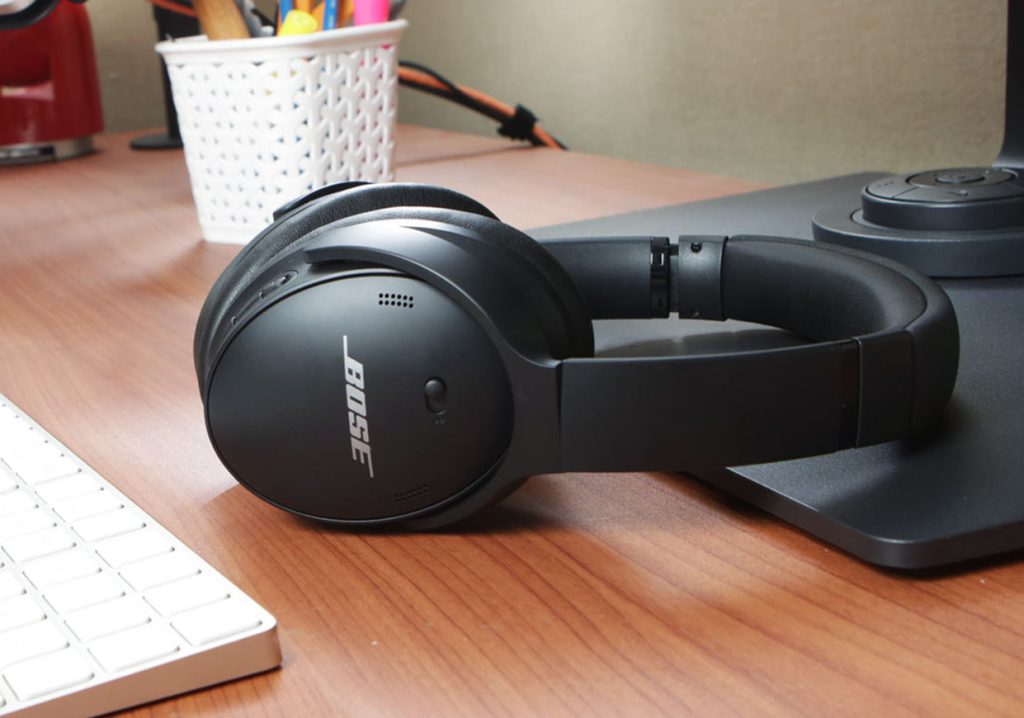
- Bose QuietComfort 45: Offering excellent noise reduction, these headphones are comfortable for long hours and ideal for concentration.
4. Smart Speakers for Voice Assistants
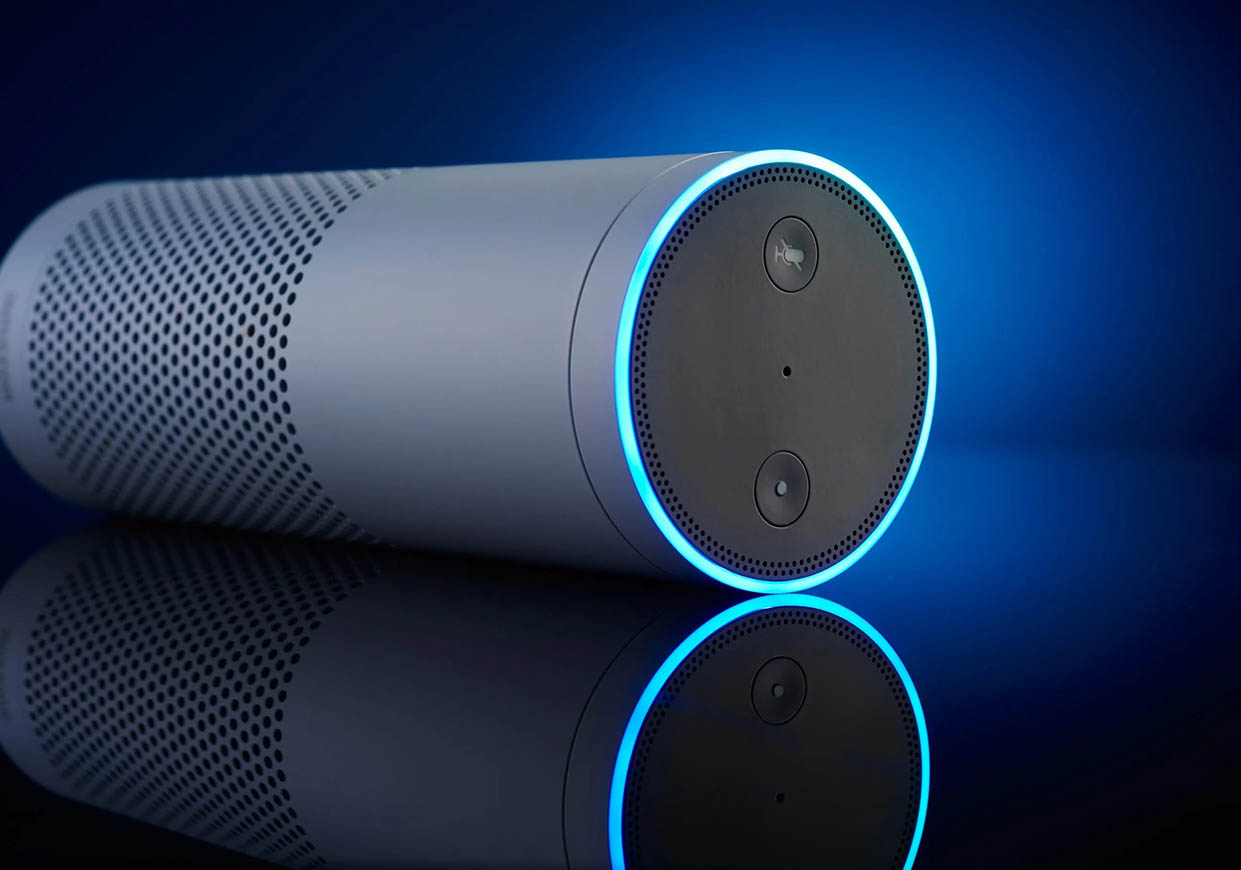
Integrating a voice assistant into your smart office can greatly enhance your productivity. With the help of smart speakers, you can perform tasks hands-free, from setting reminders to controlling smart devices or even managing your calendar.
Recommended Devices:
- Amazon Echo Studio: Equipped with Alexa, this speaker can control your smart office devices, provide updates on your schedule, and play music while you work.
- Google Nest Audio: Powered by Google Assistant, this speaker allows you to voice-command smart lights, thermostats, and more, making it an excellent addition to your smart office.
5. Smartphone Stand with Wireless Charging
A smartphone is an essential part of any office, but constantly handling it while you work can lead to distractions. A smartphone stand combined with wireless charging capabilities helps you keep your phone in a fixed position while ensuring it stays charged without clutter.
Recommended Devices:
- Anker Wireless Charging Stand: This stand allows you to charge your phone while using it for video calls, browsing, or keeping track of tasks.
- Spigen MagFit Wireless Charging Stand: A sleek, adjustable stand that lets you place your phone in either portrait or landscape mode, perfect for multitasking.
6. Smart Thermostat
Comfortable temperature control is essential for maintaining focus and comfort in your office. A smart thermostat allows you to adjust the temperature from your smartphone or voice assistant, ensuring the optimal working environment all day long.
Recommended Devices:
- Nest Learning Thermostat: This smart thermostat learns your preferences and adjusts the temperature based on your habits. It can also be controlled remotely via an app, allowing you to regulate the climate from anywhere.
- Ecobee Smart Thermostat: With built-in Alexa, this thermostat offers hands-free control and advanced energy-saving features.
7. Ergonomic Keyboard and Mouse
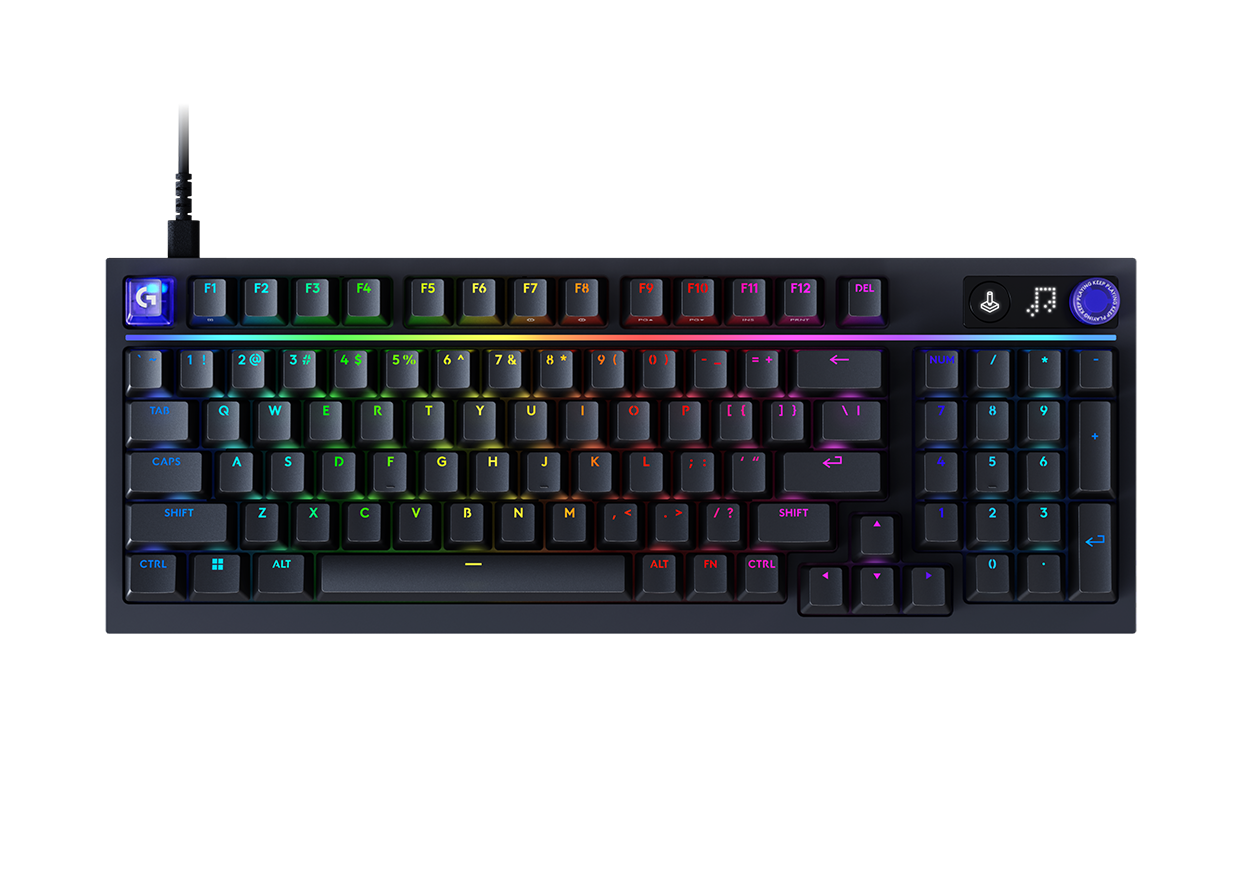
For anyone spending long hours at a desk, using an ergonomic keyboard and mouse is essential to avoid strain and repetitive stress injuries. These devices are designed to promote natural hand positioning, helping reduce the risk of wrist pain and discomfort.
Recommended Devices:
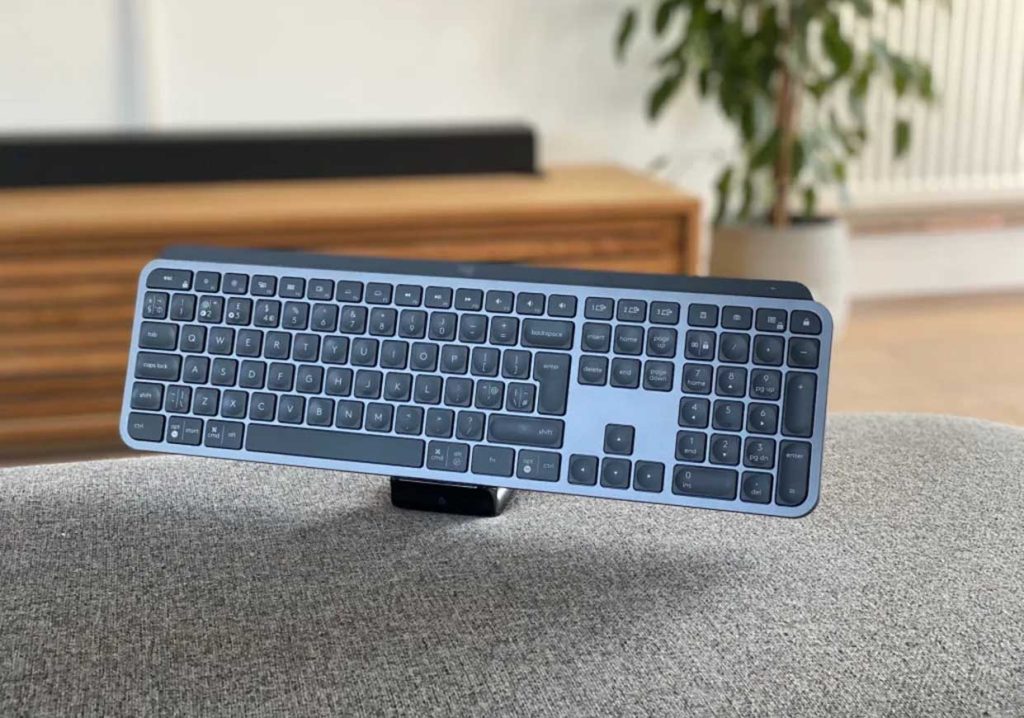
- Logitech MX Keys: This wireless, backlit keyboard offers a comfortable typing experience and is compatible with multiple devices, allowing you to switch seamlessly between them.
- Microsoft Sculpt Ergonomic Mouse: Its design encourages a neutral wrist position, which can help reduce discomfort during prolonged use.
8. High-Resolution Monitor
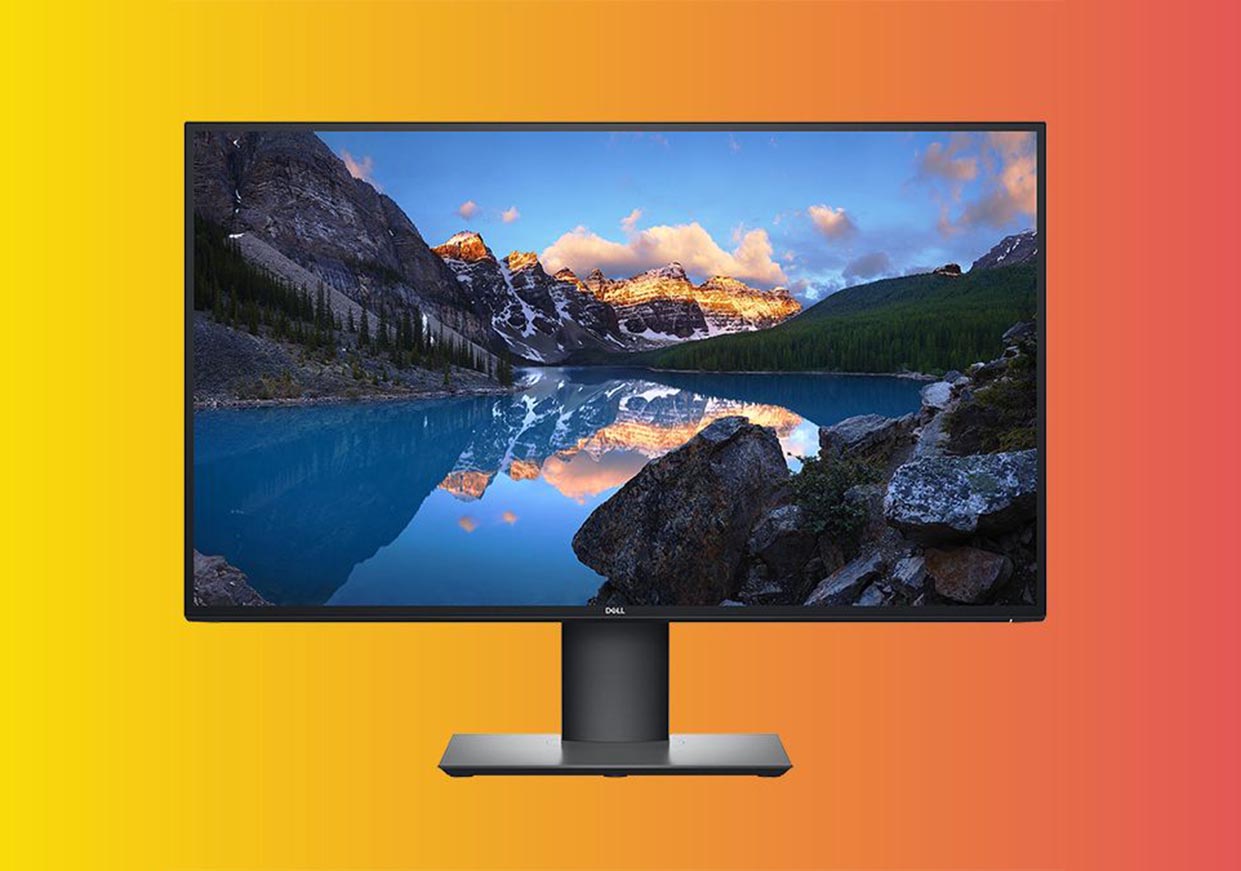
A good monitor can dramatically improve your work efficiency, especially if you often multitask. A large, high-resolution screen helps to reduce eye strain and gives you more real estate to work with. Some monitors also come with smart features, such as the ability to automatically adjust brightness based on the ambient light in the room.
Recommended Devices:
- LG UltraWide 34WN80C-B: A 34-inch ultra-wide monitor that gives you ample space for multitasking, with vibrant color accuracy for graphic work and video editing.
- Dell UltraSharp U2720Q: A 27-inch 4K monitor that offers excellent color reproduction and a stunning display, ideal for professionals working in design, finance, or content creation.
9. Wireless Printer with Cloud Connectivity
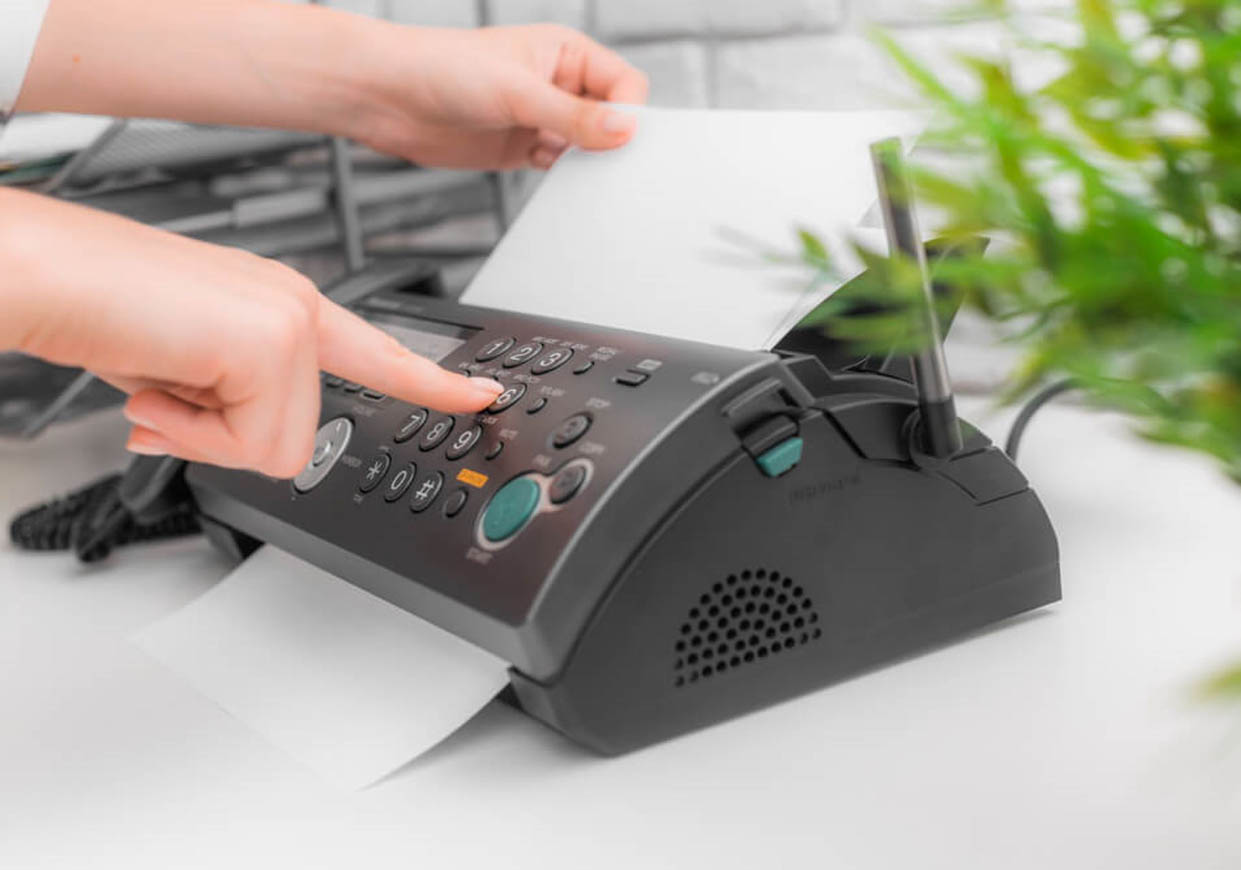
In the modern office, printing tasks are still essential. A wireless printer allows you to print from multiple devices, such as laptops, smartphones, or tablets, without the need for physical connections. Cloud connectivity allows for seamless printing from anywhere.
Recommended Devices:
- HP OfficeJet Pro 9015: A high-speed, all-in-one printer with Wi-Fi, cloud printing, and smart features like voice control and mobile printing.
- Canon PIXMA G7020: Known for its excellent print quality, this wireless printer is perfect for both home offices and small businesses.
10. Smart Webcam for Video Calls
In today’s remote work environment, having a quality webcam is essential for virtual meetings, presentations, and collaborations. A smart webcam with features like auto-focus and automatic lighting adjustments can significantly improve the quality of your video calls.
Recommended Devices:
- Logitech Brio 4K: This high-definition webcam offers 4K resolution and automatic light correction, making it ideal for professional video conferences.
- Razer Kiyo: Equipped with built-in ring lights, the Razer Kiyo is perfect for improving lighting conditions during video calls, especially in dimly lit environments.
11. Smart Plugs for Office Devices
To optimize energy consumption, smart plugs allow you to control when your devices are powered on or off. You can automate your office devices by setting timers or control them remotely using your smartphone or voice assistant.
Recommended Devices:
- TP-Link Kasa Smart Plug: These plugs are easy to set up and integrate with Alexa and Google Assistant, allowing you to control your office devices with just a voice command.
- Amazon Smart Plug: A simple and affordable option for controlling lights, fans, and other office equipment via Alexa.
Building a smart office is not just about adding the latest gadgets—it’s about creating a space that enhances productivity, supports a healthy work environment, and integrates seamlessly into your daily routine. With the right combination of smart devices, you can improve your efficiency, comfort, and work-life balance. By investing in essential gadgets like smart lighting, ergonomic furniture, and noise-canceling headphones, you can turn your office into a modern, high-tech space that meets your needs and boosts your performance.
Remember, the goal is to create a workspace that works for you—where technology supports your workflow and allows you to focus on what truly matters.